
Saddle height
The Classic Dashboard: going deeper
The EZ Dashboard tells you what to change. The Classic Dashboard lets you check something it can't: whether you're pointing your toes to reach the pedal. It shows your angles at three points in the pedal stroke, each against a range.
To open it, tap the button at the top left and choose Classic Dashboard. The PEDAL buttons at the bottom left choose the point in the stroke:
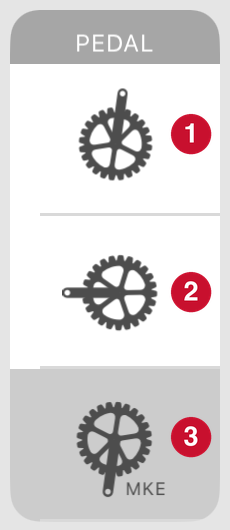
- The top of the stroke
- 3 o'clock
- MKE (maximum knee extension)
For saddle height, tap MKE.
Five things to read on the Classic Dashboard. Tap one to see it on the screenshot:
- The PEDAL buttons
- A measurement box
- Its colored bar
- The small triangle
- The MEASUREMENTS list
What the ranges are. Each bar shows the range BFF uses for that measurement on your bike type. For knee, foot, and hip angle, it's the same for every rider. The saddle height tab's target also allows for your foot angle, which these bars don't.
If your foot angle at MKE is above its green range, your toes are pointing down a lot. That can mean your saddle is too high or your cleat is too far forward.