Measuring the bike
Your own measurements and templates
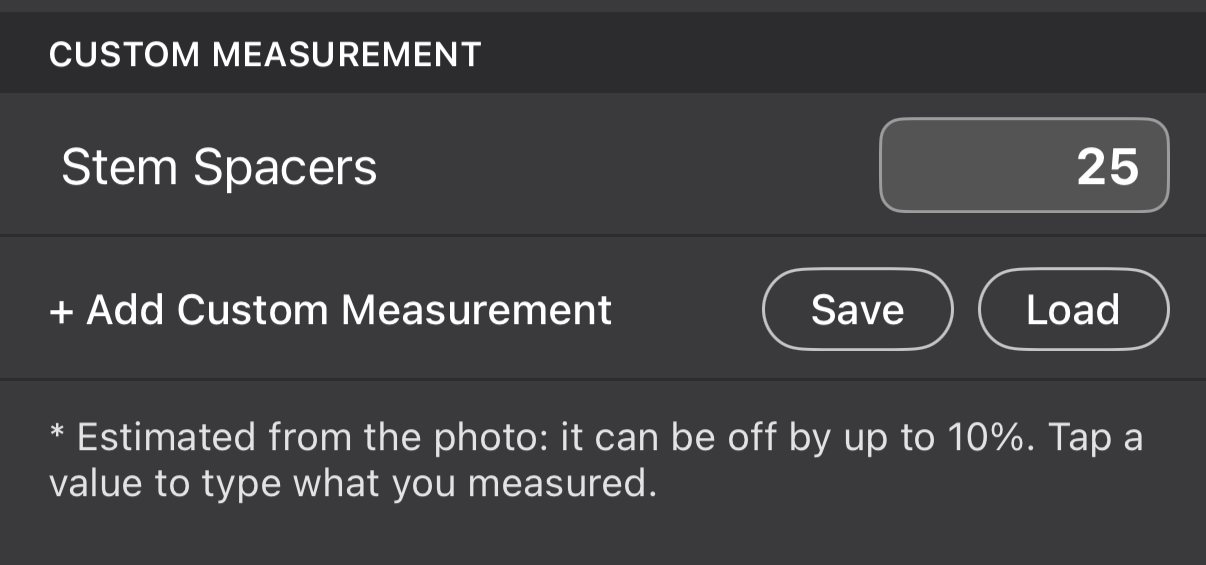
The section under the list is for your own measurements. Use it for anything the list doesn't measure (a seat tube mark or the spacers above the stem). Tap + Add Custom Measurement and give it a name. These take a number only, and they aren't drawn on the photo.
Set them up once and save them as a template. Add your measurements on one record, then tap Save at the bottom of the section and name the template. On the next record, tap Load and pick it.
To add a template to every new record, tap Load and tap the template's ★. Each new Bike Measurements record then starts with its measurements. Records you already have don't change.
To remove one, touch and hold its row and tap Delete Measurement. It goes at once.
Your own section
Three things in your own section. Tap one to see it on the screenshot:
- A custom row
- Save
- Load
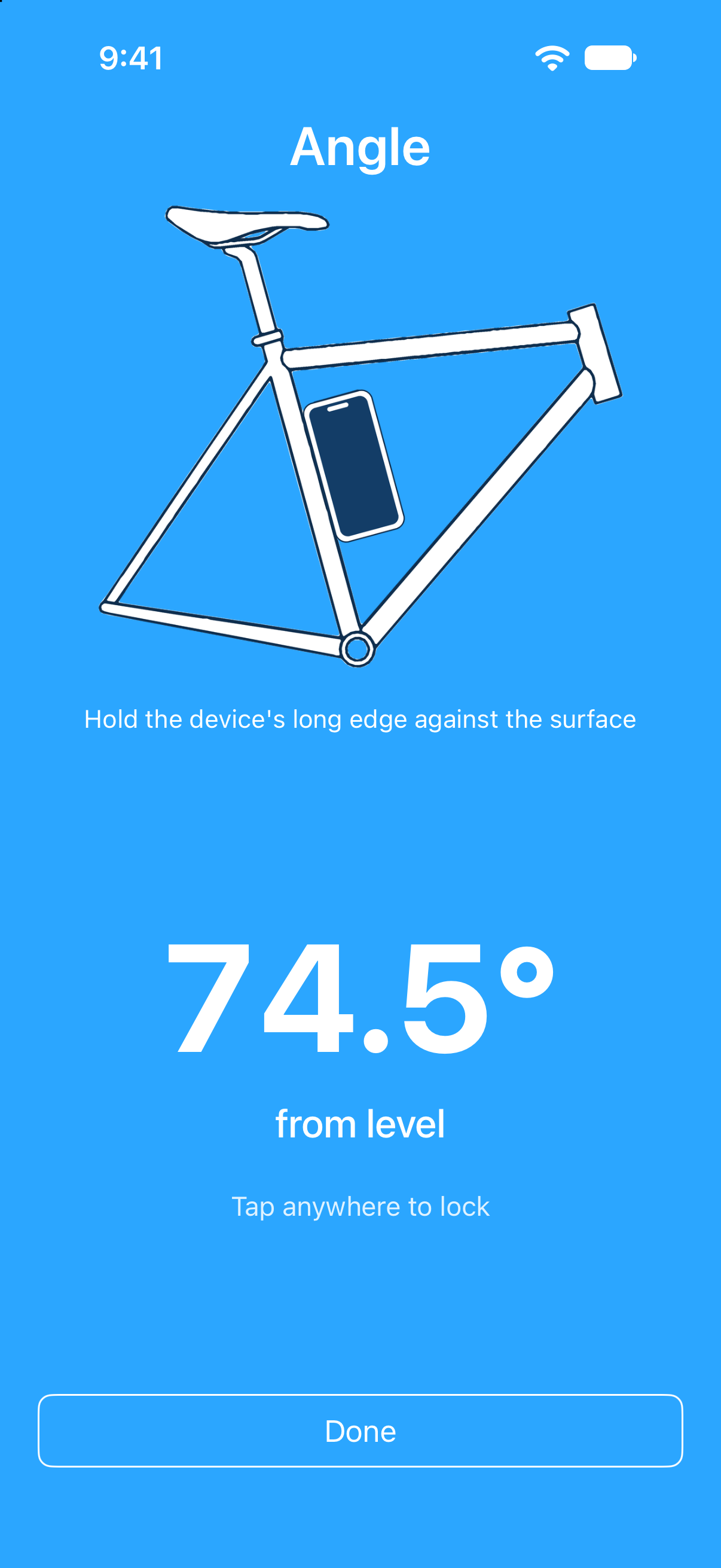
Measure an angle with the Angle tool. On a phone or iPad, open ··· → Tools → Angle and hold the long edge of your device against the part. It shows the angle from level. The app doesn't save it anywhere, so type it into one of your own measurements. Besides Saddle Angle, the one angle you can add to the list is Brake Lever Angle. It's measured from vertical.