
Quick start: Your first client session
Setting up the space and the session
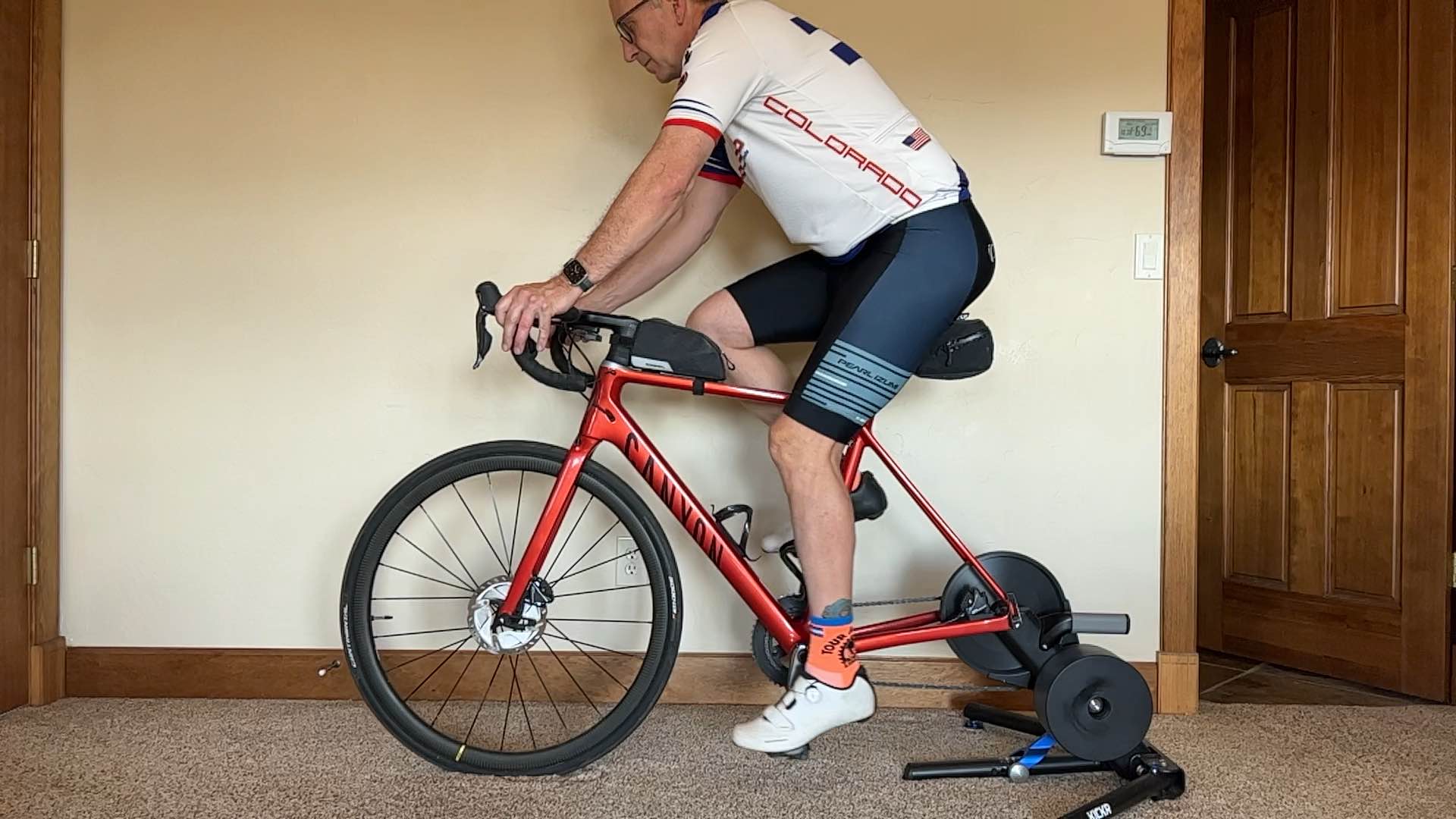
Mount the bike on the trainer and your device on a tripod or similar. Note: the app will work with any bike type, including adjustable fitting bikes.
Beneath the bike, tap + Add Session. Or tap the + in the bottom right to start a session without a specific bike.
Take the starting bike measurements before the rider gets on. From the + button, choose Bike Measurements and take a side-view photo of the bike with nobody on it. Please confirm all measurements yourself before you move on as the app currently can only estimate, using the crank arm for scale. This allows you to have a record of how the bike is set up before the fitting. You'll take another set at the end to capture what you changed.
Add notes and an objective to the session, if you want. Write down what the rider tells you, like "left knee pain after an hour." The objective is a dropdown that defaults to General Fitting. Choose + Add Text Value to type your own objective, which becomes searchable later.