
How to record well
Placing the camera for a rear view
A rear view shows your client's upper body, pelvis, and knee tracking from behind. The app detects that it's a rear view and adjusts the recording screen.
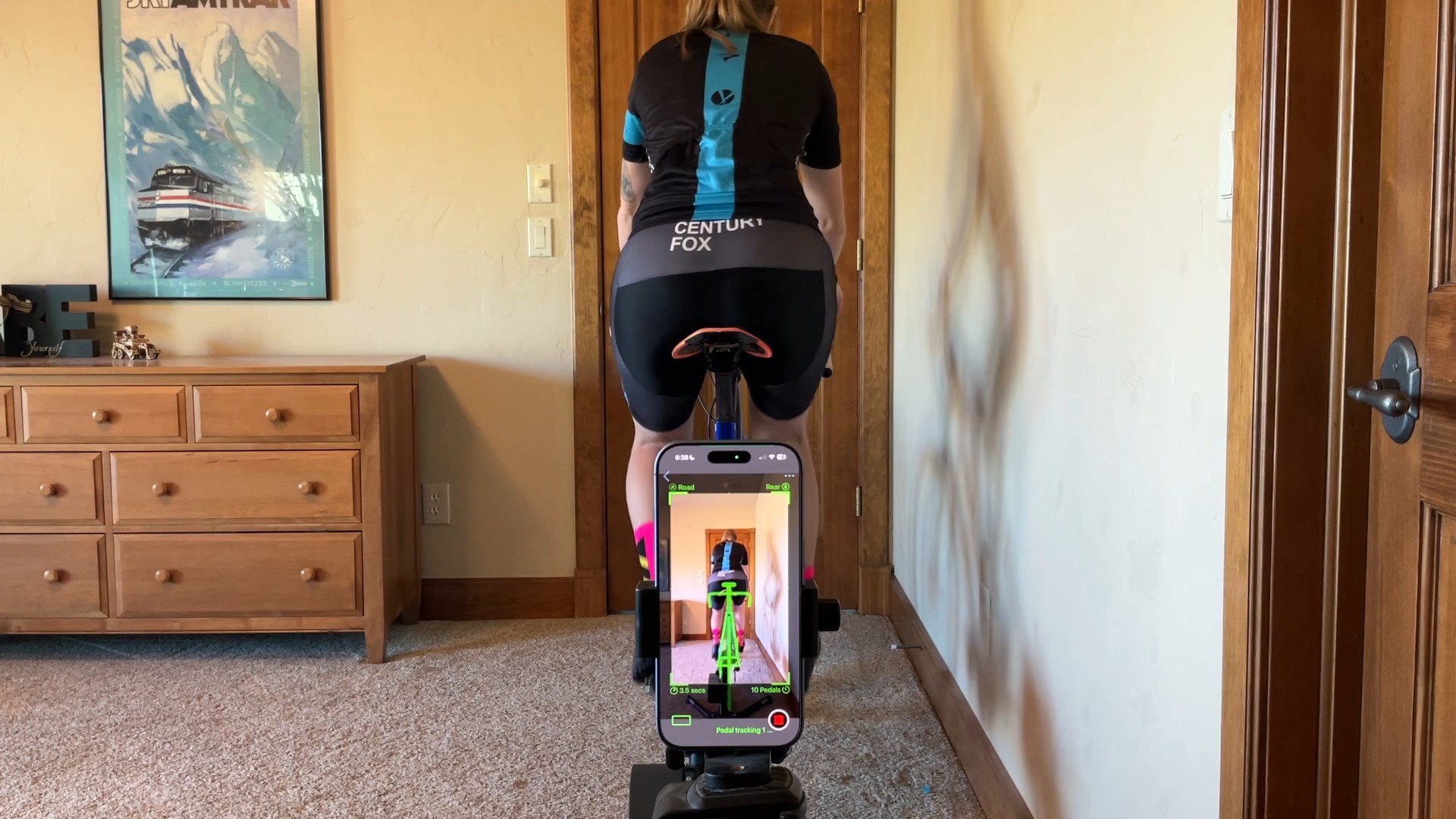
- On a tripod and centered behind your client.
- At about the height of the top tube and level. The alignment aid shows a plain green rectangle when it's level.
- About 2 to 3 meters (6 to 10 feet) away.
- Green bike overlay. A rear-view bike outline shows where the bike should sit as it does for a front view.
- The lower back in view. Form-fitting kit or a bare lower back helps the app find the pelvis.
Was this section helpful?Tell us more