 BFF Academy · Elite course
 Quick start: Your first session
Setting up the bike and the phone
Get the bike on a trainer and put the phone somewhere it won't fall over. For a session the trainer earns its place for a particular reason: you can adjust and record again without moving anything else.
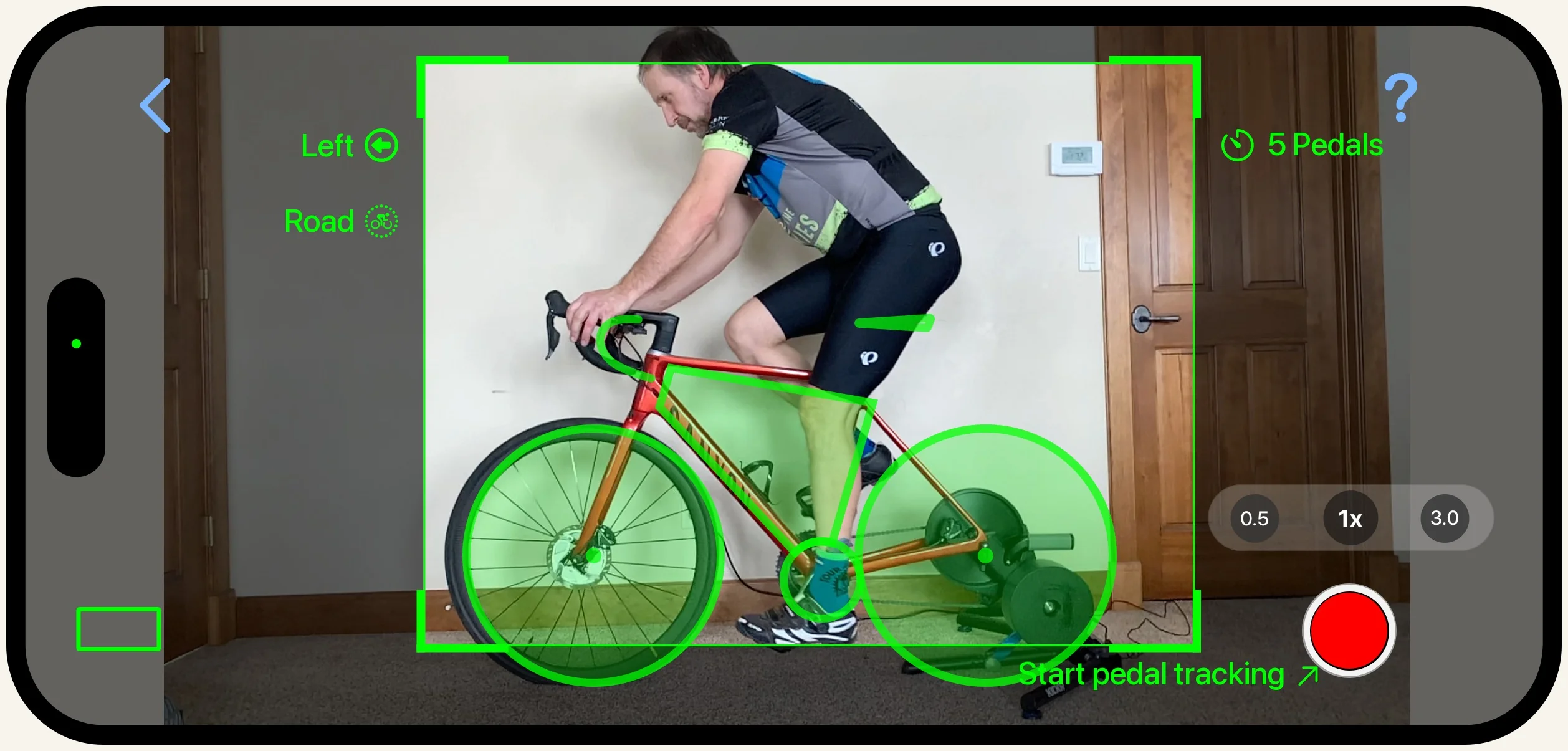
Optional: Fill out Bike Measurements or write your current setup down somewhere before you start making adjustments. Saddle height, saddle position, stem, whatever you might change. Just in case you want to go back to the original.
If a recording comes out looking wrong, with the wireframe not following your leg or numbers that do not match what you can see, sort that out before you read anything into it. It is nearly always lighting, what you are wearing, or something in the shot the app has latched onto.
Was this section helpful?Tell us more